
This January 2026, Google just killed Gmail’s most useful feature by removing one of its key functionalities for users, the ability to connect 3rd party email accounts in to Gmail via POP3. OMG!!!
If you are anything like me, you use your gmail account for everything, all my emails land in my inbox and like most people, I do all my sending and receiving from one place, whether its on mobile, desktop or my tablet. That for me is one the key features of the Gmail app, one that I rely on and in fact love. So much so that I tell other people thats how to they should become more efficient.
Now, in a change that has flown under the radar, Google is removing two long-standing Gmail features that millions of users rely on, Gmailify and the ability to fetch emails from other accounts using POP.
Google Just Killed Gmail’s Most Useful Feature
Starting in January 2026, Gmail will no longer support Gmailify or the “Check mail from other accounts” feature that lets users pull messages from external email providers into Gmail’s inbox.
For anyone who has used Gmail as a central hub for multiple email accounts — whether it’s Yahoo, Outlook, a personal domain, or another provider — this change significantly alters the convenience of managing emails in one place.
As Email labs suggest ‘since its launch in 2004, Gmail has redefined the email landscape, cementing itself as a global leader in the industry.’ and there can be no doubting that statement. however, one of its key features has always been having one centralised email box, now for many users, that will become a challenge.
What Exactly Is Google Removing?
Gmail’s support announcement confirms that beginning in January 2026:
1. Gmailify Will Be Discontinued

Gmailify was a feature that let users link non-Gmail email accounts to Gmail while still benefiting from key Gmail tools such as:
-
Advanced spam protection
-
Improved inbox notifications
-
Gmail’s automatic categorisation
-
Faster, more powerful search functions within Gmail’s interface
This provided a much better experience than using a POP connection alone.
2. POP Fetching from Other Accounts Is Ending
The long-used POP3 mechanism that allowed Gmail to automatically retrieve email from other accounts — bringing them into your Gmail inbox — will also be removed.
As a result:
-
Gmail will no longer check third-party accounts via POP
-
The familiar “Check mail from other accounts” option will vanish from the web interface
-
Continuous syncing via Gmailify and POP will stop
Together, these removals effectively end Gmail’s ability to act as an automatic aggregator for non-Gmail email accounts.
Why This Matters to Gmail Users
For over a decade, many Gmail users have used it as a centralised email hub — not just for their Gmail address, but for managing:
-
Yahoo mail
-
Outlook.com addresses
-
Corporate or personal domain email
-
Other POP-enabled accounts
By consolidating multiple inboxes into Gmail, users could manage all messages in one place, with Gmail’s filtering and search tools. With support for these features ending, that convenience is now gone.
Many users only discover this change through community forums and discussions, as Google has not broadly publicised it outside the official help page.
To be fair, a lot of people also used Gmail for mass communication, it was so easy and simple to use, and gmail to gmail allowed for good delivery rates.
What You Can Do Instead (Workarounds and Alternatives)
Although Gmail is removing these features, there are still ways to manage multiple email accounts, so how to setup Gmail settings showing multiple email accounts:
1. Add Accounts Directly in the Gmail App
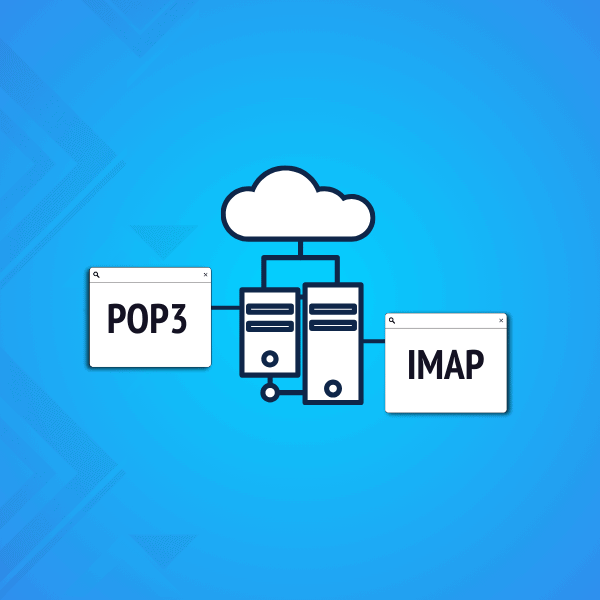
If you use the Gmail mobile app (Android, iPhone, or iPad), it still supports adding multiple accounts via IMAP. This means you can access other email accounts within the app — but it’s a client-side solution rather than the server-side auto-fetching that POP provided.
2. Use Email Forwarding at the Source
Many email providers let you setup automatic forwarding:
-
Set up your external email provider to forward incoming mail to your Gmail address
-
This keeps everything in one inbox without relying on Gmail to fetch emails
This workaround depends on the forwarding policies of your provider.
3. Consider Dedicated Email Clients
If you rely on desktop email management:
-
Dedicated clients like Microsoft Outlook, Thunderbird, or Spark allow you to connect multiple accounts via IMAP and provide a unified view.
These clients sync in real time and are a viable alternative to Gmail’s deprecated features. Perhaps you could go back using Outlook, or have your companies emails setup on Roundcube accounts, not as good, but functional and free.
Will You Lose Your Existing Emails?
No. Google has confirmed that emails already synced via Gmailify or POP before the deprecation will remain in your Gmail account. They won’t disappear once the feature is turned off.
However, continuous syncing and automatic fetching of new messages via these legacy methods will no longer work. So that means you will need a work around.
Why Google Is Making This Change
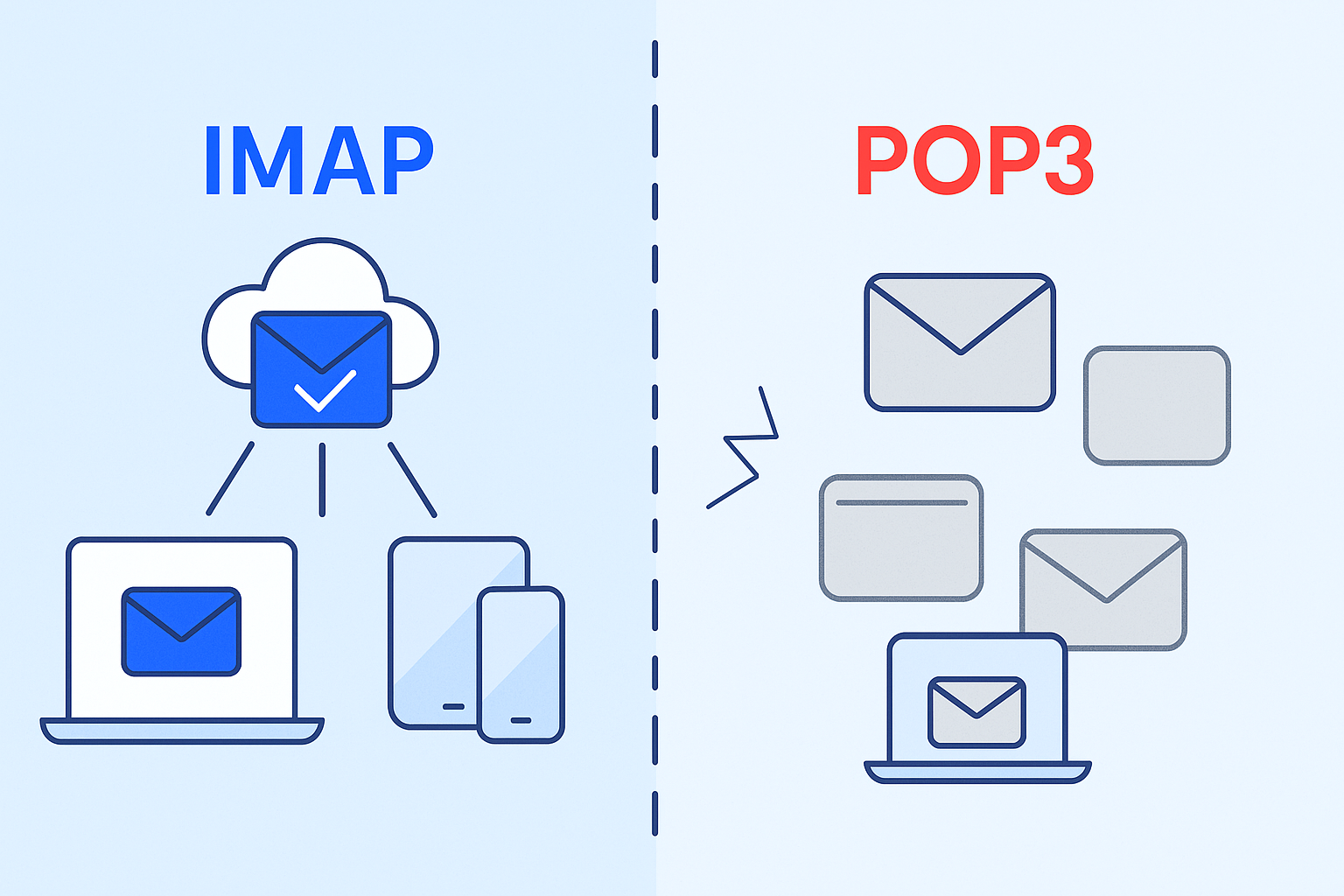
Google does not provide a full public explanation in the support article, but the removal of Gmailify and POP support is consistent with broader shifts in email infrastructure:
-
Security preferences: POP is an older protocol with limitations compared to IMAP
-
Mobile-first usage: Google may prefer that users manage multiple inboxes through the Gmail app rather than server-side fetching
-
Simplification of services: Reducing legacy features can lower complexity and maintenance costs
Whatever the reasoning, the impact is tangible for users who depend on these features.
Is This the End of Gmail’s Multi-Account Hub?
Gmail is one of the most widely used email services, boasting over 2.5 billion active users as of the end of 2024—a number that continues to grow. So why would make it such a radical change? in simple terms there’s a few reasons: money, space and storage costs and giving people an upsell.
In practical terms, yes — Gmail as a one-stop hub for third-party email via Gmailify/POP is ending. It will be a paid featured and users who value a centralised inbox experience will need to adapt:
-
Use IMAP in mobile or desktop clients
-
Set up forwarding with external providers
-
Or transition to email services that still support unified account syncing
This change marks the end of an era for Gmail’s classic multi-account fetching feature, and it’s one many users might not realise until it’s gone. As for me, perhaps it is time to find an alternative method, perhaps, by going back to Outlook.